Touch up
 
Automatic retouch & makeup
Smart fix
 
One-click photo enhancement
Tools & filters
 
Versatile photo editor
Fun montages & frames
 
Fun photo effects generator
Cartoons & face fun
 
Photo to cartoon & face animation
Avatars
 
Animated avatars with your photos

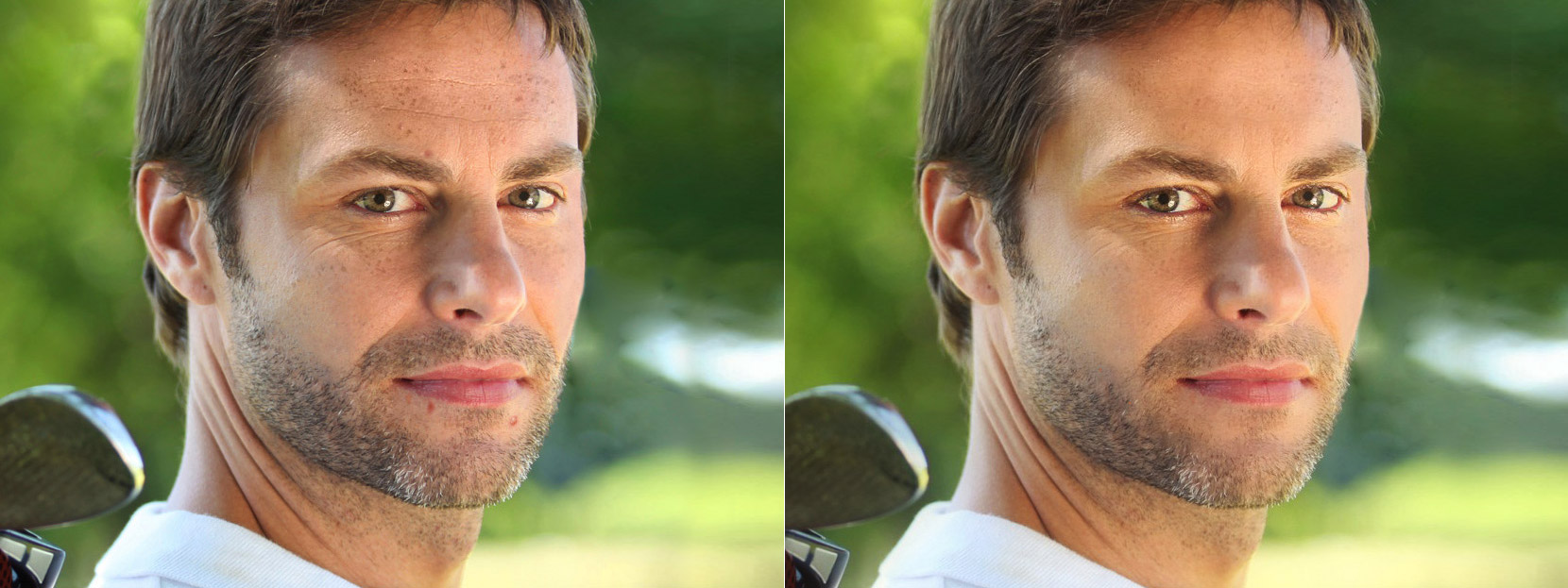
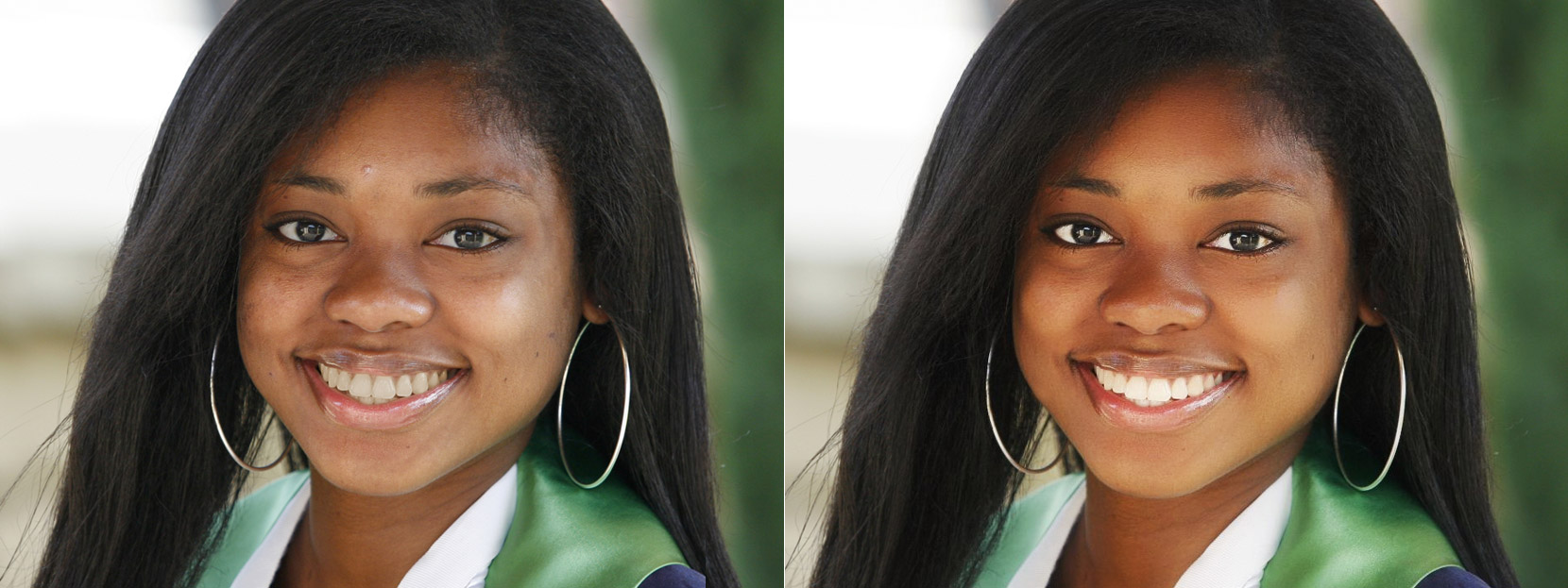
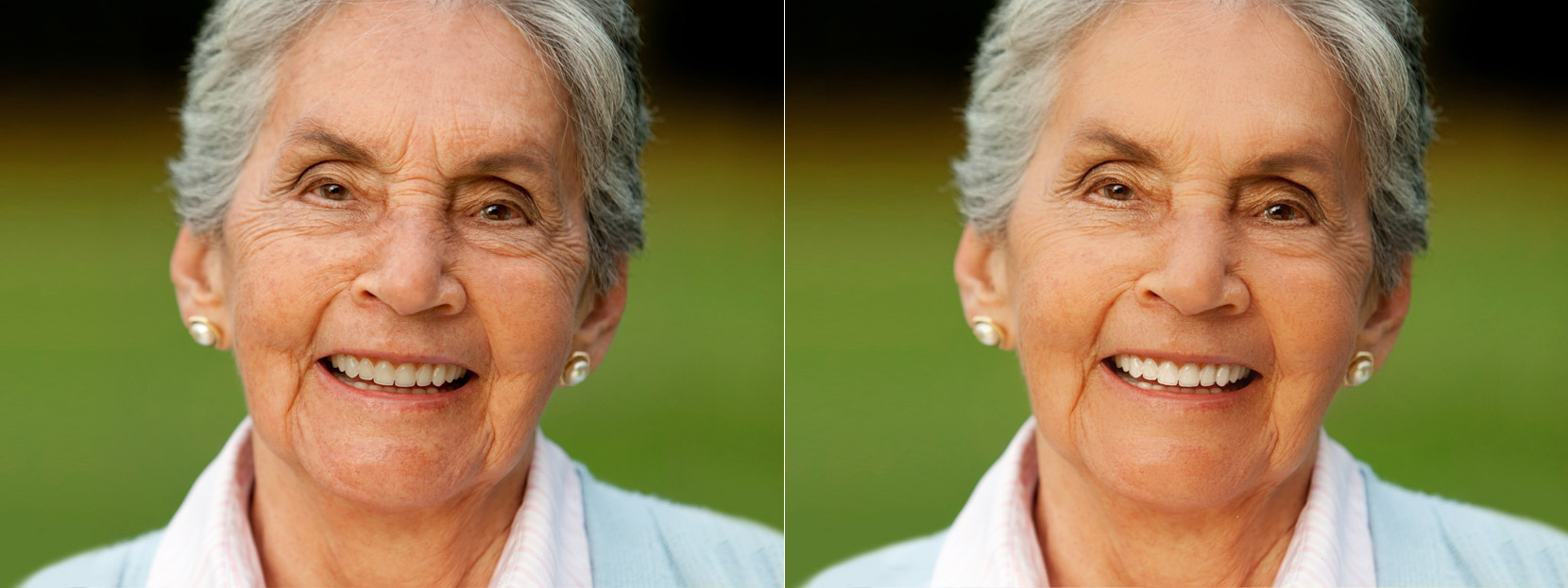
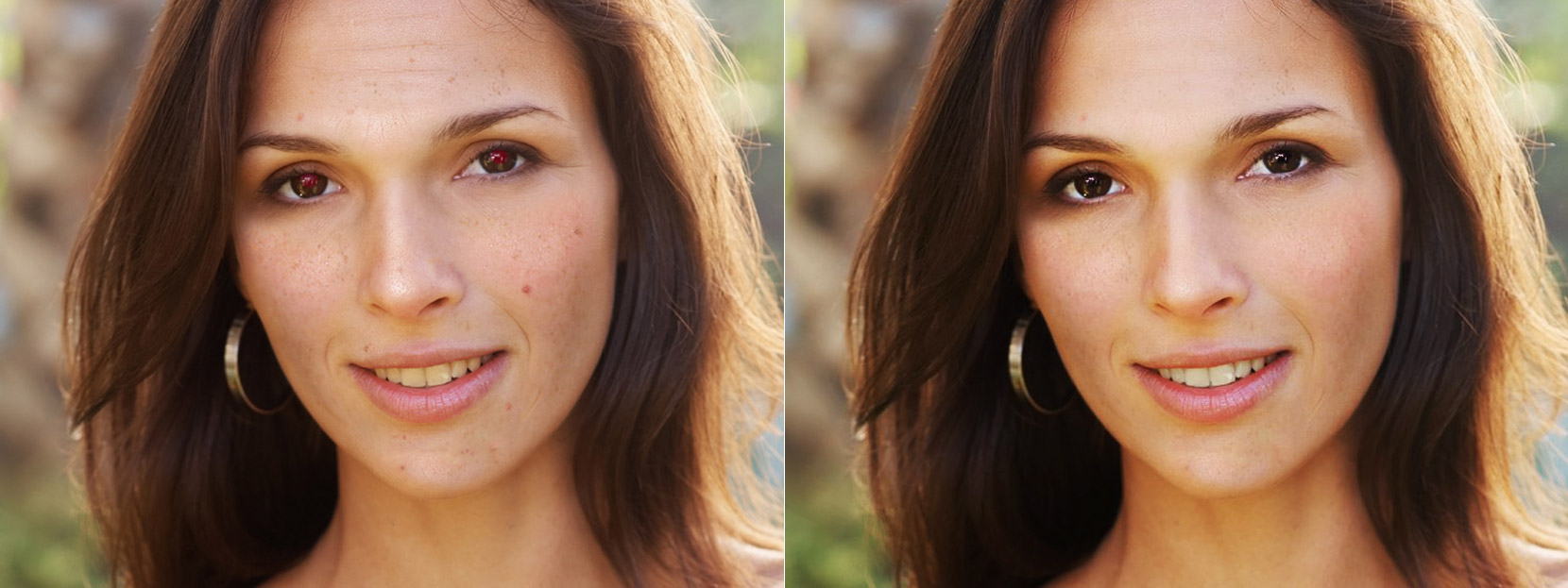
Makeup.Pho.to Automatic online portrait retouching. Do you think you are not photogenic? Face retouch will help your usual portrait picture look like a cover photo. Remove red eye, make skin smoother, whiten teeth, remove blemishes and add a special touch to your photo with a dreamy soft focus effect.

选择一张照片
从你的电脑添加照片
用网址添加照片


已上传的图片及生成图片
只有你自己可见.

这些图片在12小时内将被删除。


已上传的图片及生成图片
只有你自己可见.

这些图片在12小时内将被删除。

之前
面部修饰前
之后
面部修饰后

How to retouch a portrait online in a couple of clicks?

Did you know that automatic online photo retouch is free and just a couple of clicks away from you? At Makeup.Pho.to you'll be able to enhance your portrait online as quickly and easily as you could never imagine! Just upload your face photo (from your computer or via an URL) and see an instantly enhanced portrait! The service automatically removes red eye and skin defects (pimples, wrinkles, etc.), makes the skin look matt and whitens the teeth. After automatic enhancement has been performed, meticulous users can tweak the settings (exclude some options they think unnecessary or include the additional color-improving option). In case there are several faces in a photo, all of them will be enhanced.

Virtual makeup basics: outline the eyes, remove red eye, improve skin texture, whiten the teeth

Thanks to the advanced face detection algorithm, face retouch at Makeup.Pho.to is fully automatic. So, the algorithm first finds the eyes in a photo, then scans them for the red eye effect and corrects the color of pupils if needed. Similarly, the algorithm does skin retouching: it analyzes the skin color and evens out the skin and removes imperfections and oily glare, but leaves birthmarks intact. Besides, the algorithm enhances a person's look by whitening the teeth and the whites of the eyes.

To give your skin a tanned look and enhance the portrait with soft focus effect and blur the background, there is the 'Glamour effect' option that you can check or uncheck.

How to save and share an enhanced photo

If you like your enhanced picture and want to save it, use the 'Share', 'Save to disk' or 'Save to account' buttons. It is very likely that you would want to use your improved face photo as a profile picture on social networks or dating sites. You can also use Makeup.Pho.to to retouch your photos before printing them or sharing them on your blog or site. All the more so because this online service is so fun and easy to use!

Featured at:
Resolve a DOI
more
hide
punbb.informer.com
PunBB
PunBB is a fast and lightweight PHP-powered discussion board. It is released under the GNU General Public License.
more
hide
products.pho.to
Free photo editing and web album software, free mobile apps
Here you can find freeware for image editing and photo album creation. Free programs from Pho.to will let you easily enhance your digital photos. There is also free software for photo sharing (creating web photo albums and 3D photo galleries) and a free mobile app for creating fun photo effects and photomontages.
more
hide
shambles.net
Shambles in S.E.Asia (The Education Project Asia) at www.shambles.net
Shambles in S.E.Asia - The Education Project Asia, Supporting the International School Community in South East Asia
more
hide
mypictures3d.com
My Pictures 3D